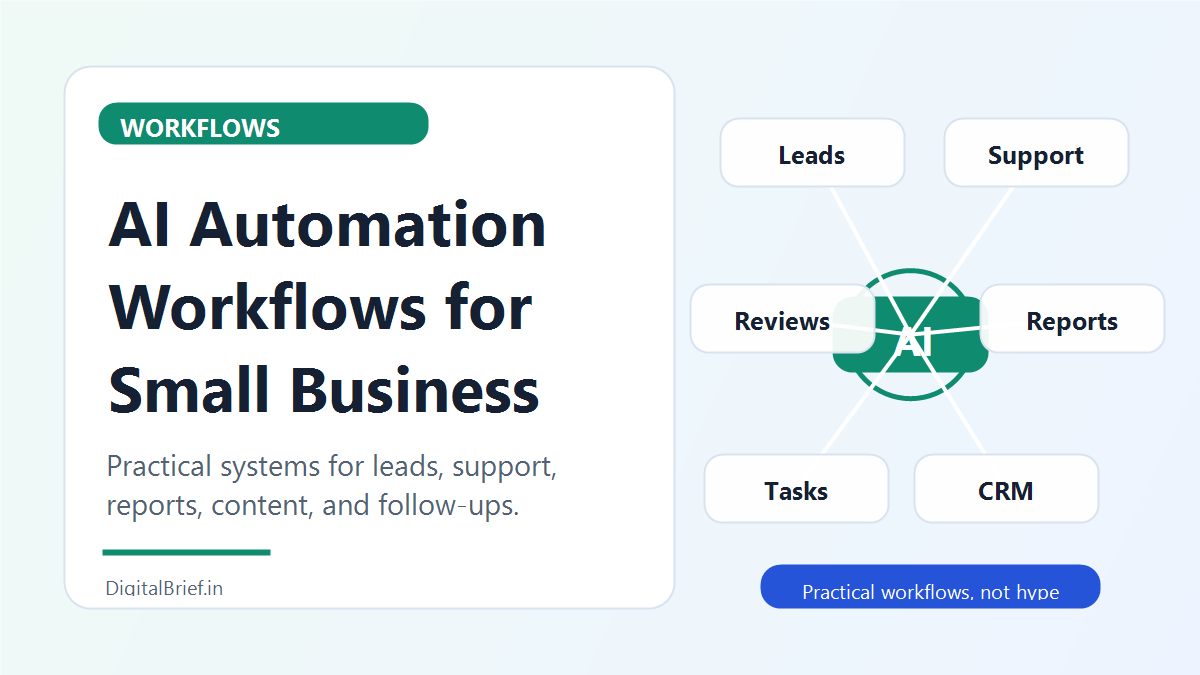
AI automation workflows can help small businesses save time, respond faster, reduce missed leads, and keep repetitive work from eating the day. But the best workflows are usually not flashy.
They are simple.
A form submission becomes a CRM record. A customer question becomes a summarized support ticket. A meeting transcript becomes tasks. A review request goes out automatically after a job is completed. A weekly report lands in your inbox without anyone copying data from five places.
That is the real value of AI automation for small business. It turns scattered work into repeatable systems.
Zapier’s 2026 AI transformation report says many organizations are still building the connective tissue across data, workflows, and governance. Zapier also reports that many leaders believe some business-critical workflows should never be fully automated. That is a good reminder: the goal is not to automate everything. The goal is to automate the right steps and keep human approval where it matters.
Here are 17 practical AI automation workflows small businesses can use in 2026.
1. New Lead Follow-Up Workflow
This is one of the highest-value workflows for almost any small business.
Trigger: A lead fills out a website form.
Automation:
- Add the lead to your CRM
- Use AI to summarize their request
- Score the lead based on budget, urgency, and fit
- Send a Slack or email alert to the owner
- Draft a personalized reply
- Create a follow-up task
Best for:
- Real estate agents
- Agencies
- Coaches
- Consultants
- Local service businesses
Why it works: speed matters. If a lead waits two days for a reply, they may already be talking to someone else.
2. Missed Call Text-Back Workflow
Small businesses miss calls all the time. A missed call can be a missed customer.
Trigger: A phone call is missed.
Automation:
- Send an SMS saying you will respond shortly
- Ask what they need help with
- Log the missed call in a spreadsheet or CRM
- Notify the right team member
- Use AI to summarize the caller’s reply
This is simple but powerful for salons, clinics, contractors, repair services, and local agencies.
3. AI Email Drafting Workflow
Not every email should be sent automatically. But many can be drafted automatically.
Trigger: A new customer inquiry arrives.
Automation:
- Classify the message
- Pull relevant customer details
- Draft a reply
- Add the draft to Gmail or Outlook
- Human reviews and sends
This keeps quality high while saving writing time.
4. Customer Support Triage Workflow
Customer support can get messy when all messages land in one inbox.
Trigger: New support email or form submission.
Automation:
- Categorize the issue
- Detect urgency
- Summarize the problem
- Suggest a reply
- Route it to the right person
- Tag the ticket in your help desk
Best for:
- Ecommerce stores
- SaaS startups
- Online course businesses
- Agencies
AI is useful here because it can understand text and classify it faster than manual sorting.
5. Review Request Workflow
Reviews are valuable, but most businesses forget to ask.
Trigger: Job marked complete, appointment completed, or order delivered.
Automation:
- Wait a set number of hours or days
- Send a review request by email or SMS
- If the customer replies positively, send review link
- If the reply is negative, notify a human first
This workflow should be polite and not spammy. The goal is to make review collection consistent.
6. Meeting Notes to Tasks Workflow
Meetings create decisions, but those decisions often disappear.
Trigger: Meeting transcript or recording is available.
Automation:
- Summarize meeting
- Extract action items
- Assign owners
- Create tasks in Asana, Trello, Notion, ClickUp, or Todoist
- Email summary to attendees
This workflow is useful for agencies, consultants, founders, and client-facing teams.
7. Invoice Reminder Workflow
Late payments hurt small businesses.
Trigger: Invoice due date is approaching or overdue.
Automation:
- Send a friendly reminder
- Escalate after a set number of days
- Notify the owner
- Update payment status
AI can help rewrite reminders so they sound professional instead of awkward.
8. Social Content Repurposing Workflow
One long piece of content can become many smaller assets.
Trigger: New YouTube video, podcast transcript, blog post, or webinar recording.
Automation:
- Summarize the main ideas
- Create LinkedIn post drafts
- Generate short video hooks
- Draft email newsletter section
- Create Instagram caption ideas
- Save everything in Notion or Google Docs
This workflow is great for creators, coaches, consultants, and founders.
9. Weekly Business Report Workflow
Many small businesses make decisions too late because reporting is manual.
Trigger: Every Monday morning.
Automation:
- Pull sales data
- Pull website traffic
- Pull ad spend
- Pull new leads
- Use AI to summarize changes
- Email a simple report
Keep it short. A useful report beats a beautiful report nobody reads.
10. Lead Magnet Delivery Workflow
If someone downloads a checklist, guide, or template, the follow-up should be automatic.
Trigger: Lead magnet form submitted.
Automation:
- Send the download
- Add lead to email list
- Tag interest area
- Start welcome sequence
- Notify sales if high intent
This helps turn website visitors into actual pipeline.
11. Client Onboarding Workflow
New clients should not wait for manual setup.
Trigger: Proposal accepted or payment received.
Automation:
- Send welcome email
- Create client folder
- Create project board
- Generate onboarding checklist
- Send intake form
- Notify team
This creates a professional first impression and reduces admin work.
12. AI Content Calendar Workflow
Small businesses often stop posting because they run out of ideas.
Trigger: Monthly content planning date.
Automation:
- Pull recent FAQs from support emails
- Pull top-performing content
- Generate post ideas
- Create calendar draft
- Save ideas in Notion or Google Sheets
The best content ideas often come from real customer questions.
13. CRM Cleanup Workflow
Messy CRMs kill sales productivity.
Trigger: Weekly or monthly schedule.
Automation:
- Find incomplete records
- Flag duplicate contacts
- Summarize stale deals
- Identify missing follow-up dates
- Notify sales owner
Do not let AI delete data automatically. Use it to flag problems for review.
14. Ecommerce Support Workflow
Ecommerce support has repeated questions: shipping, returns, order status, refunds, product details.
Trigger: Customer email or chat.
Automation:
- Classify the question
- Pull order details
- Draft a reply
- Route refund requests to a human
- Tag the conversation
This saves time while keeping sensitive decisions under human control.
15. Hiring Screening Workflow
Small businesses often need help sorting applications.
Trigger: New application received.
Automation:
- Extract candidate details
- Compare to job requirements
- Summarize strengths and gaps
- Create interview questions
- Add candidate to tracking sheet
Important: use this carefully. AI should support hiring decisions, not make unfair or unexplained decisions by itself.
16. Sales Call Follow-Up Workflow
After a sales call, follow-up speed matters.
Trigger: Call transcript uploaded.
Automation:
- Summarize the call
- Extract pain points
- Draft follow-up email
- Create CRM note
- Create next-step task
- Add proposal deadline
This is one of the most practical workflows for consultants and agencies.
17. Inventory or Stock Alert Workflow
For small retailers and ecommerce sellers, inventory mistakes can cost money.
Trigger: Stock level drops below threshold.
Automation:
- Notify the owner
- Draft reorder email
- Update inventory sheet
- Forecast based on recent sales
AI can help summarize which products are moving faster than normal.
Real Case Study: Why Workflow Design Matters More Than Tool Hype
Zapier’s 2026 trends report emphasizes that organizations are still building the connective tissue across workflows, data, and governance. Its 2026 business automation statistics also show that automation usage is strongest in areas like marketing, IT, and project management across Zapier workflows.
That matches what small businesses actually need. They do not need a complicated AI agent on day one. They need connected workflows that reduce manual handoffs.
The best automation projects usually start with one question:
“What repetitive task wastes time every week?”
Once you find that, the workflow almost builds itself.
Best Tools for AI Automation Workflows
You can build these workflows with:
- Zapier for beginner-friendly app automation
- Make for visual workflow building
- n8n for technical and self-hosted workflows
- Airtable for lightweight databases
- Google Sheets for simple tracking
- HubSpot for CRM workflows
- Notion for knowledge and project systems
- ChatGPT or Claude for writing, summarizing, and classification
Start with the tools you already use. Automation should simplify your business, not create another complicated system.
FAQs About AI Automation Workflows
What are AI automation workflows?
AI automation workflows are repeatable business processes where apps, triggers, and AI work together to complete tasks such as summarizing leads, drafting emails, routing support tickets, creating reports, or updating CRM records.
What is the best AI automation workflow for small business?
The best first workflow is usually lead follow-up automation because it can reduce missed opportunities quickly. Customer support triage and meeting-notes-to-tasks workflows are also high-value.
Do small businesses need coding for AI automation?
No. Tools like Zapier, Make, Airtable, Google Sheets, Notion, ChatGPT, and Claude can support many workflows without coding. Coding helps for advanced API and custom database workflows.
What should not be fully automated with AI?
Sensitive tasks such as refunds, legal advice, medical advice, hiring decisions, financial decisions, and angry customer replies should usually include human review.
How much do AI automation workflows cost?
Costs depend on the tools and number of tasks. Many small businesses can start with low-cost no-code tools, then upgrade as workflows become more valuable and complex.
How do I start automating my business with AI?
Pick one repetitive task, map the steps, choose the trigger, decide where AI adds value, add human approval where needed, test with real examples, and launch slowly.
Final Thoughts
AI automation workflows work best when they are boring in the right way. They move leads, messages, tasks, reports, and follow-ups without drama.
Start with one workflow. Keep it simple. Test it carefully. Add human approval where the risk is high.
That is how small businesses get real value from AI automation without turning their operations into a confusing science project.
Sources
- Zapier: 2026 AI transformation trends
- Zapier: Business automation statistics 2026
- Zapier: AI orchestration platform
- McKinsey: The State of AI 2025