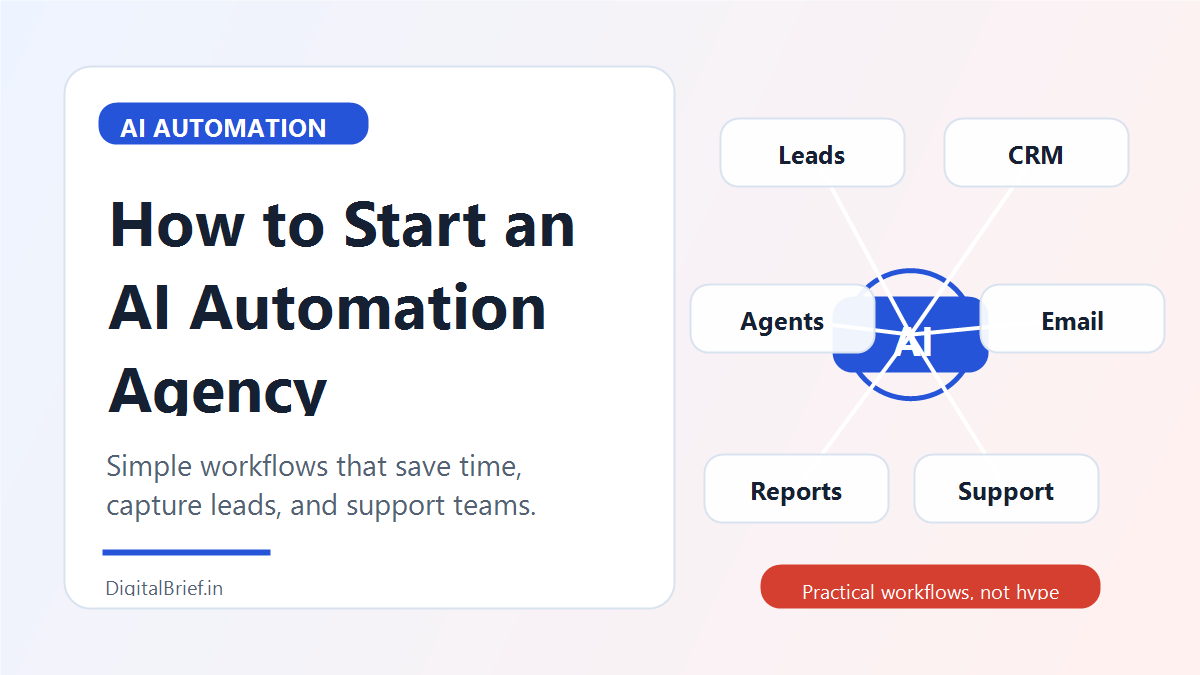
Starting an AI automation agency is one of the most realistic AI business ideas right now because it solves a problem businesses already understand: wasted time.
Most small businesses do not wake up thinking, “I need an AI agent.” They think, “Why am I copying leads into a spreadsheet again?” or “Why do customers wait two days for a reply?” or “Why is my team manually writing the same email every week?”
That is where an AI automation agency fits in.
You help businesses connect their tools, automate repetitive steps, and use AI to draft, classify, summarize, respond, route, or analyze information. You do not need to build a giant software company to start. You can begin with no-code and low-code tools, then expand into more advanced workflows as your skills grow.
This guide explains how to start an AI automation agency in 2026, what services to offer, which tools to learn, how to price, how to find clients, and how to avoid the mistakes beginners make.
What Is an AI Automation Agency?
An AI automation agency helps businesses save time and improve operations by combining automation tools with artificial intelligence.
Traditional automation says:
“When someone fills out a form, add them to a spreadsheet.”
AI automation says:
“When someone fills out a form, summarize the request, score the lead, draft a personalized reply, add the lead to the CRM, notify the sales team, and create a follow-up task.”
That extra intelligence is the difference. AI can read, classify, write, extract, summarize, and decide based on rules you define.
Why AI Automation Agencies Are Growing
There are three strong reasons this business model is growing.
First, AI adoption is moving from curiosity to implementation. McKinsey’s 2025 State of AI research found that organizations are experimenting with and scaling agentic AI systems. That shows businesses are no longer only testing chatbots; they are looking at AI inside workflows.
Second, many companies struggle with integration. Zapier reported in 2025 that enterprises are facing challenges integrating AI into real workflows. That gap creates demand for practical implementers.
Third, the business case is easy to understand. If an automation saves a business 20 hours per month, reduces missed leads, or speeds up customer support, the value is visible.
Real Case Study: Klarna’s AI Assistant
Klarna is one of the most cited real-world examples of AI automation in customer service. In February 2024, Klarna announced that its OpenAI-powered AI assistant handled two-thirds of customer service chats in its first month. The company said the assistant handled 2.3 million conversations, operated across 23 markets, and communicated in more than 35 languages.
In a later 2025 filing, Klarna reported that its AI assistant handled 69% of customer service chats during the twelve months ending June 30, 2025, and estimated significant cost savings from the system.
A beginner agency will not build a Klarna-scale system on day one. But the lesson is useful: the biggest AI automation opportunities happen where businesses have repeated conversations, repeated decisions, and repeated admin work.
Step 1: Pick a Specific Niche
Do not start by selling “AI automation for everyone.” That sounds impressive, but it is hard to sell.
Pick one audience first:
- Real estate agents
- Coaches and consultants
- Ecommerce stores
- Dental clinics
- Gyms and fitness studios
- Local service businesses
- SaaS startups
- Recruitment agencies
- Marketing agencies
- Online course creators
The niche matters because the workflows repeat. Once you build a lead follow-up automation for one real estate agent, you can adapt it for another.
Step 2: Choose a Simple Starter Offer
Beginners often fail because they sell something too complex. Start with one clear outcome.
Good starter offers:
- AI lead follow-up system
- Missed call response automation
- Customer support FAQ assistant
- AI email reply drafting workflow
- Appointment reminder automation
- Review request automation
- Content repurposing workflow
- CRM cleanup and lead scoring workflow
- Proposal generation system
- Client onboarding automation
Example offer:
“I help real estate agents respond to new leads in under five minutes using AI-powered follow-up automation.”
That is much stronger than:
“I build AI systems.”
Step 3: Learn the Core Tools
You do not need 50 tools. You need a reliable starter stack.
Beginner stack:
- Zapier for app connections and simple workflows
- Make for visual automation
- Google Sheets or Airtable for lightweight databases
- Gmail or Outlook for email workflows
- ChatGPT or Claude for AI writing, summarizing, and classification
- Typeform, Tally, or Google Forms for intake
- Slack or WhatsApp integrations for notifications
Intermediate stack:
- n8n for more technical workflows
- Webhooks and APIs
- Airtable interfaces
- CRM tools like HubSpot, Pipedrive, or GoHighLevel
- Vector databases or knowledge bases for advanced AI retrieval
Advanced stack:
- Custom AI agents
- Internal dashboards
- Database-connected workflows
- Retrieval-augmented generation
- Human approval systems
- Audit logs and permissions
Start simple. A working lead follow-up automation is more valuable than a complicated agent that breaks.
Step 4: Build Three Demo Workflows
Before selling, build demos. They do not need to be perfect, but they should show the outcome clearly.
Demo 1: Lead follow-up automation
A website form submission triggers an AI summary, adds the lead to a spreadsheet or CRM, drafts a personalized email, and sends a notification.
Demo 2: Customer support classifier
A customer message is classified by topic, urgency, and sentiment. Then it is routed to the right person with a suggested reply.
Demo 3: Content repurposing workflow
A YouTube transcript becomes a blog outline, newsletter draft, LinkedIn post, and five short social captions.
Record short videos showing each demo. These become your portfolio, sales material, and social media content.
Step 5: Price Your AI Automation Services
There are three common pricing models.
Setup Fee
Charge once to build the automation. Beginner projects may start around a few hundred dollars, while more complex business workflows can reach several thousand dollars.
Monthly Maintenance
Charge a monthly fee to monitor, fix, improve, and update workflows. This is important because APIs change, clients change their process, and automations need maintenance.
Audit Fee
Offer a paid automation audit where you map their workflows and recommend improvements. This is a good entry offer if clients are not ready for a full build.
Simple beginner package:
- Automation audit
- One lead capture workflow
- One AI email draft workflow
- One notification workflow
- One training video
- 30 days of support
Step 6: Find Your First Clients
Your first clients will usually come from direct outreach, local networking, LinkedIn, communities, or existing relationships.
Best outreach angle:
“I noticed your website has a contact form. Do you currently have an automated follow-up system for new leads? I build simple AI workflows that help businesses reply faster and avoid missed opportunities.”
Do not lead with technical jargon. Lead with the business pain.
Good client acquisition channels:
- LinkedIn posts showing workflow demos
- Cold email to local businesses
- Loom audits
- Partnerships with web designers
- Partnerships with marketing agencies
- Local business groups
- Niche Facebook groups
- Upwork and Fiverr for early proof
Step 7: Deliver With a Clear Process
A professional agency needs a repeatable delivery process.
Use this simple structure:
- Discovery call
- Workflow audit
- Automation map
- Tool access and permissions
- Build version one
- Test with sample data
- Client review
- Launch
- Training video
- Maintenance plan
Always test automations with real examples before launch. AI can make mistakes, and automation can amplify mistakes quickly.
Step 8: Add Human Approval Where Needed
This is important. Not every AI workflow should run fully automatically.
For sensitive workflows, use human approval:
- Sending sales proposals
- Replying to angry customers
- Handling refunds
- Giving legal, financial, or medical advice
- Updating important CRM records
- Publishing content publicly
AI can draft. A human can approve.
This makes your systems safer and easier for clients to trust.
Step 9: Productize Your Agency
Once you deliver a few custom projects, turn repeated workflows into packages.
Examples:
- AI Lead Follow-Up System for Realtors
- AI Review Request System for Local Clinics
- AI Client Onboarding System for Coaches
- AI Support Triage System for Ecommerce Stores
- AI Content Repurposing System for Creators
Productized services are easier to sell because clients understand exactly what they get.
Common Mistakes to Avoid
The biggest mistake is overcomplicating the first project. A beginner does not need to build a multi-agent operating system. Build one workflow that saves time.
Another mistake is ignoring data privacy. If you handle customer data, client emails, or CRM records, you need to be careful with permissions and tool settings.
Also avoid promising perfect AI accuracy. AI systems need testing, fallback rules, and human review.
Best AI Automation Agency Niches for 2026
Strong niches include:
- Local service businesses with missed leads
- Ecommerce stores with support tickets
- Coaches with onboarding workflows
- Real estate agents with lead follow-up needs
- Marketing agencies with content operations
- SaaS companies with support and sales workflows
- Recruitment agencies with resume screening and candidate summaries
Choose a niche where speed and follow-up matter. That makes the value of automation obvious.
FAQs About Starting an AI Automation Agency
Is an AI automation agency profitable?
Yes, it can be profitable because businesses pay for time savings, faster lead response, better customer support, and smoother operations. Profit depends on your niche, offer, delivery skill, and ability to get clients.
No. You can start with no-code tools like Zapier, Make, Airtable, Google Sheets, ChatGPT, and Claude. Coding becomes useful later when clients need custom APIs, databases, or advanced AI agents.
What services should an AI automation agency offer?
Good services include lead follow-up automation, AI email drafting, CRM automation, customer support triage, content repurposing workflows, appointment reminders, review requests, and onboarding systems.
How much should I charge for AI automation?
Beginners can start with smaller fixed-fee projects, then move into higher setup fees plus monthly maintenance. Pricing should be based on complexity, business value, number of tools, and support required.
How do I get clients for an AI automation agency?
Start with a niche, create demo workflows, post case-study-style content, send direct outreach, offer workflow audits, and partner with web designers or marketing agencies that already serve your target clients.
What tools are best for AI automation agencies?
The best starter tools are Zapier, Make, n8n, Airtable, Google Sheets, ChatGPT, Claude, Gmail, Slack, HubSpot, and Typeform or Tally.
Are AI automation agencies saturated?
Generic AI agencies are becoming crowded. Specific automation offers are still strong. “AI automation agency” is broad. “Lead follow-up automation for real estate agents” is much easier to sell.
Final Thoughts
An AI automation agency is not really about AI. It is about removing repetitive work from a business.
Start small. Pick one niche. Build three demos. Sell one clear workflow. Document your results. Then turn the best workflow into a repeatable package.
The opportunity is not in sounding futuristic. The opportunity is in making a business owner’s week easier.
Sources
- McKinsey: The State of AI 2025
- Zapier: AI orchestration platform
- Zapier/GlobeNewswire: Enterprise AI agent investment survey
- Klarna: AI assistant handles two-thirds of customer service chats
- SEC filing: Klarna Group PLC filing