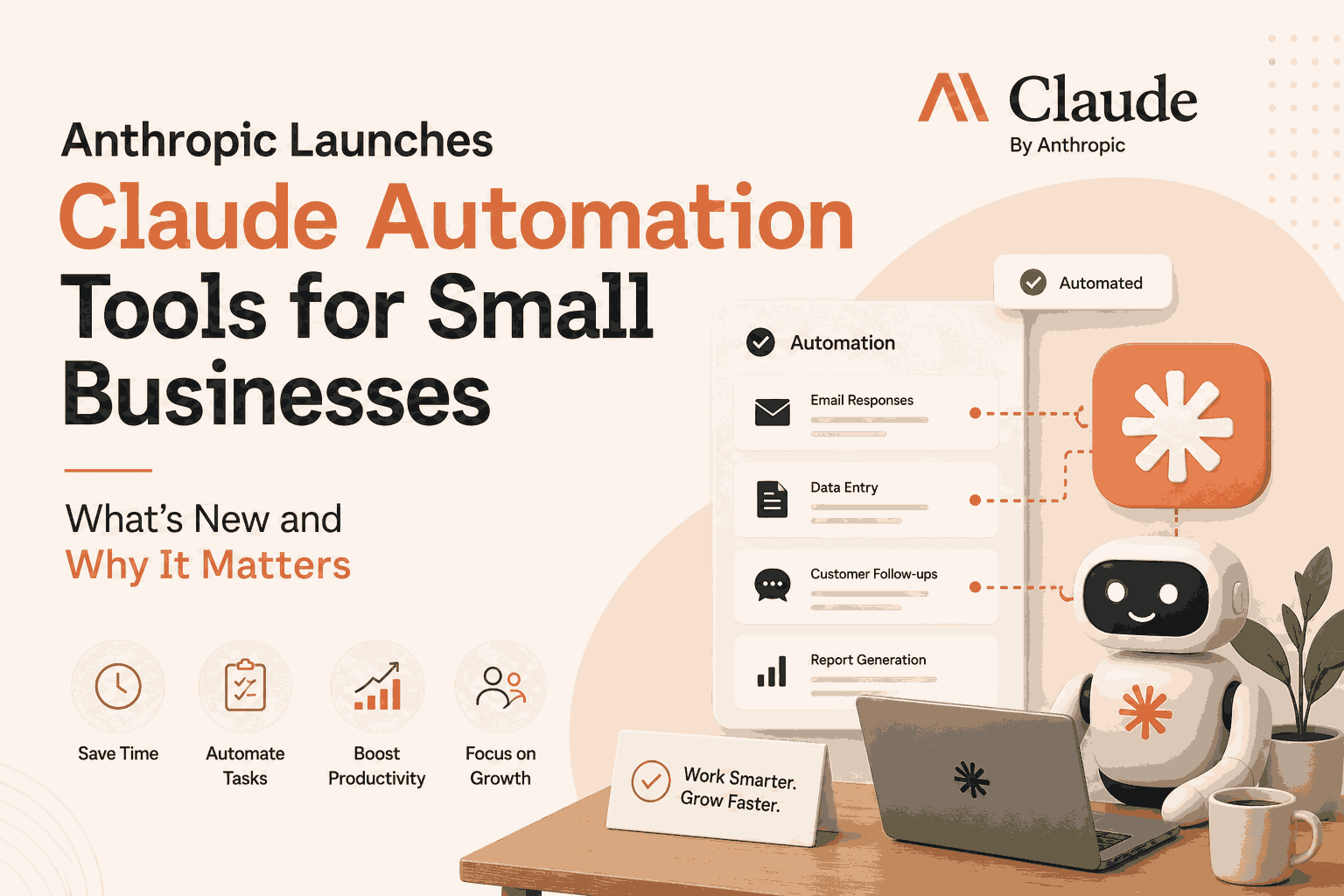
Anthropic Launches Claude Automation Tools for Small Business suite that brings pre-built automation workflows (payroll, invoicing, marketing, HR, customer service) and integrations with QuickBooks, Google Workspace, HubSpot and more—here’s a practical guide, real case study, and FAQs for SMBs considering Claude.
Anthropic Launches Claude Automation Tools for Small Business overview
Anthropic has launched “Claude for Small Business”—a packaged offering that provides pre-built Claude workflows and connectors to popular business apps (QuickBooks, Google Workspace, HubSpot, Microsoft 365, DocuSign) to automate finance, operations, marketing, HR, and customer service tasks for small teams and solo entrepreneurs. The product runs through Claude Cowork, requires user initiation/approval for actions, and does not add extra fees beyond existing Claude licenses and partner app subscriptions.
Why this matters for small businesses
- Faster routine work: Claude for Small Business supplies 15+ pre-built capabilities (payroll planning, invoice tracking, onboarding workflows) so owners spend less time on recurring admin.
- Integrations that matter: Connectors to bookkeeping, CRM, document-signing and workspace apps let Claude read and act on real business data while respecting existing account permissions.
- Safety and control: Anthropic says workflows must be started and approved by users (no silent autonomous operations), and Team/Enterprise plans don’t use customer data for training by default.
What’s included (features at a glance)
- Pre-built workflows: Payroll planning, financial reconciliation, invoice tracking, meeting summaries, marketing content generation, customer reply drafts, employee onboarding, and more.
- Cowork + Plugins: Uses Claude Cowork plus compact plugins (skills + connectors) so Claude can follow scripted workflows and access partner app data when authorized.
- No hidden fees: No separate Claude-for-SMB surcharge beyond normal Claude license and any partner service costs (e.g., QuickBooks).
- Data controls: Existing account permissions stay in place and user approval is required before sending or processing payments.
Practical use-cases (how a small business might use Claude)
- Accounting: Auto-reconcile bank feeds and draft payment runs for owner approval, or generate simple cash-flow forecasts from QuickBooks data.
- Operations: Produce step-by-step onboarding checklists for new hires and auto-generate paperwork via DocuSign connectors.
- Marketing & Sales: Create marketing briefs, social posts, and personalized follow-up emails pulled from CRM records.
- Customer support: Summarize support tickets, draft reply templates, and suggest escalation actions for human review.
Real case study — “IndiePrints” (illustrative, based on reported capabilities)
Background: IndiePrints is a small print-on-demand shop (3 employees) using QuickBooks, Google Workspace, and HubSpot. Challenge: weekly invoicing, order reconciliation, and customer follow-ups consumed 12–15 hours/week for the owner.
Implementation: IndiePrints enabled Claude Cowork, connected QuickBooks and HubSpot via Claude plugins, and deployed three pre-built workflows—invoice tracking, order reconciliation, and customer follow-up drafts. Owner approvals remained required before any send or payment action.
Results (first 8 weeks): time spent on admin dropped from ~14 hours/week to ~4 hours/week; late invoices reduced by 60%; owner used reclaimed time to focus on product design and a local marketing campaign. Anthropic’s design (workflows + connectors + required approvals) supported safe automation without losing manual oversight.
Quick implementation checklist (step-by-step)
- Audit systems to connect (accounting, CRM, workspace, document signing).
- Assign a project owner to authorize connectors and configure permissions.
- Start with one workflow (e.g., invoice tracking); test in a sandbox or low-risk account.
- Define approval gates—who reviews and when Claude’s suggested actions are executed.
- Monitor results weekly for 4–8 weeks and expand to additional workflows if outcomes meet expectations.
Comparison table — Claude for SMB vs common alternatives
How Claude for Small Business compares to general AI automation options
FAQs
Q: What is Claude for Small Business and who should use it?
A: Claude for Small Business is Anthropic’s packaged suite of Claude Cowork workflows and plugins that help small teams automate finance, HR, marketing, and customer service tasks; it’s aimed at mom-and-pop shops, solopreneurs, and small teams that use apps like QuickBooks, HubSpot, Google Workspace, or DocuSign.
Q: Does Claude act autonomously inside my accounts?
A: No—Anthropic requires users to start workflows and approve actions before Claude sends messages, posts, or processes payments, and existing account permissions remain enforced.
Q: Will using Claude cost extra beyond my current subscriptions?
A: Anthropic states no additional fees for Claude for Small Business beyond standard Claude licenses and any partner tools you already pay for (e.g., QuickBooks).
Q: Is my data used to train Anthropic models?
A: Anthropic says it does not use customer data for training by default on Team and Enterprise plans; check plan specifics for defaults and opt-ins.
Q: Which apps does Claude integrate with out of the box?
A: Anthropic lists QuickBooks, HubSpot, Google Workspace, Microsoft 365, and DocuSign among supported integrations for the small-business offering.
Q: How should an SMB start implementing Claude?
A: Start by auditing which systems to connect, enable one low-risk workflow, configure approvals, measure time saved and accuracy for 4–8 weeks, then scale to more workflows.